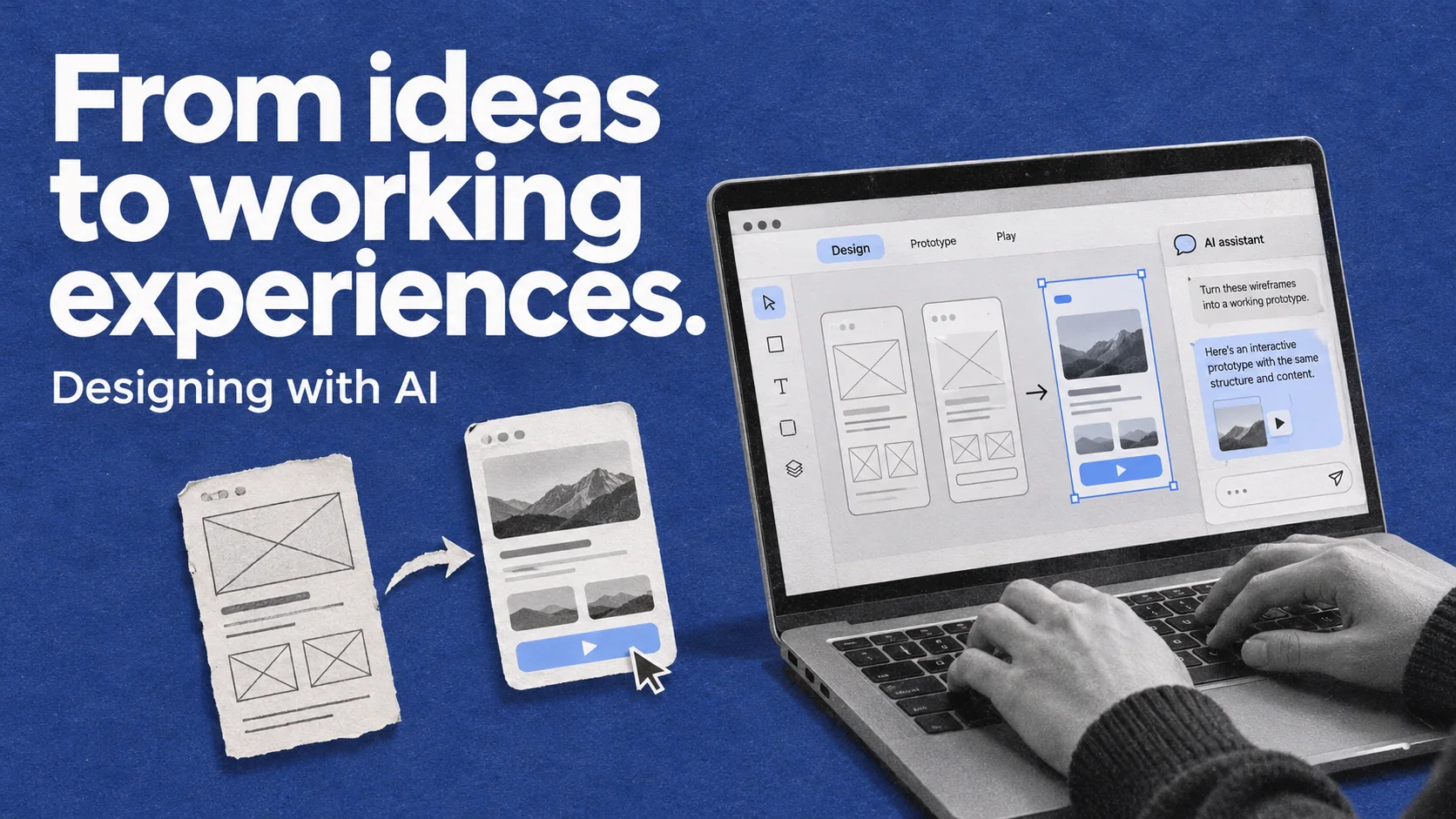
We no longer need to finish every screen before trying out a design idea. We can turn a flow into an interactive prototype, explore an animation, or build an early version of a product while the design is still taking shape.
AI is changing our everyday design habits. We can test ideas earlier, prepare first drafts of repetitive work faster, and get a clearer sense of how an experience will behave.
Making good use of these tools takes clear context and careful review. As production gets faster, we also need to think about where we spend our attention.
Using prototypes earlier in the process
Static screens help us work through visual hierarchy, content, and layout. Some questions, however, only become clear when we move between screens.
Does opening a panel make the user lose context? Are their choices still there when they go back? Is the next step in a flow easy to understand?
Building prototypes with tools like Claude and Claude Code helps us explore these questions before every detail is settled. We can focus on one uncertain interaction, try it, and use what we learn to improve the design.
This also makes alternatives easier to compare. We can experience how a flow works in a side panel versus a separate page, rather than relying entirely on what we imagine.
Prototyping becomes a tool we return to throughout the process. Each version gives us something concrete to question and improve.
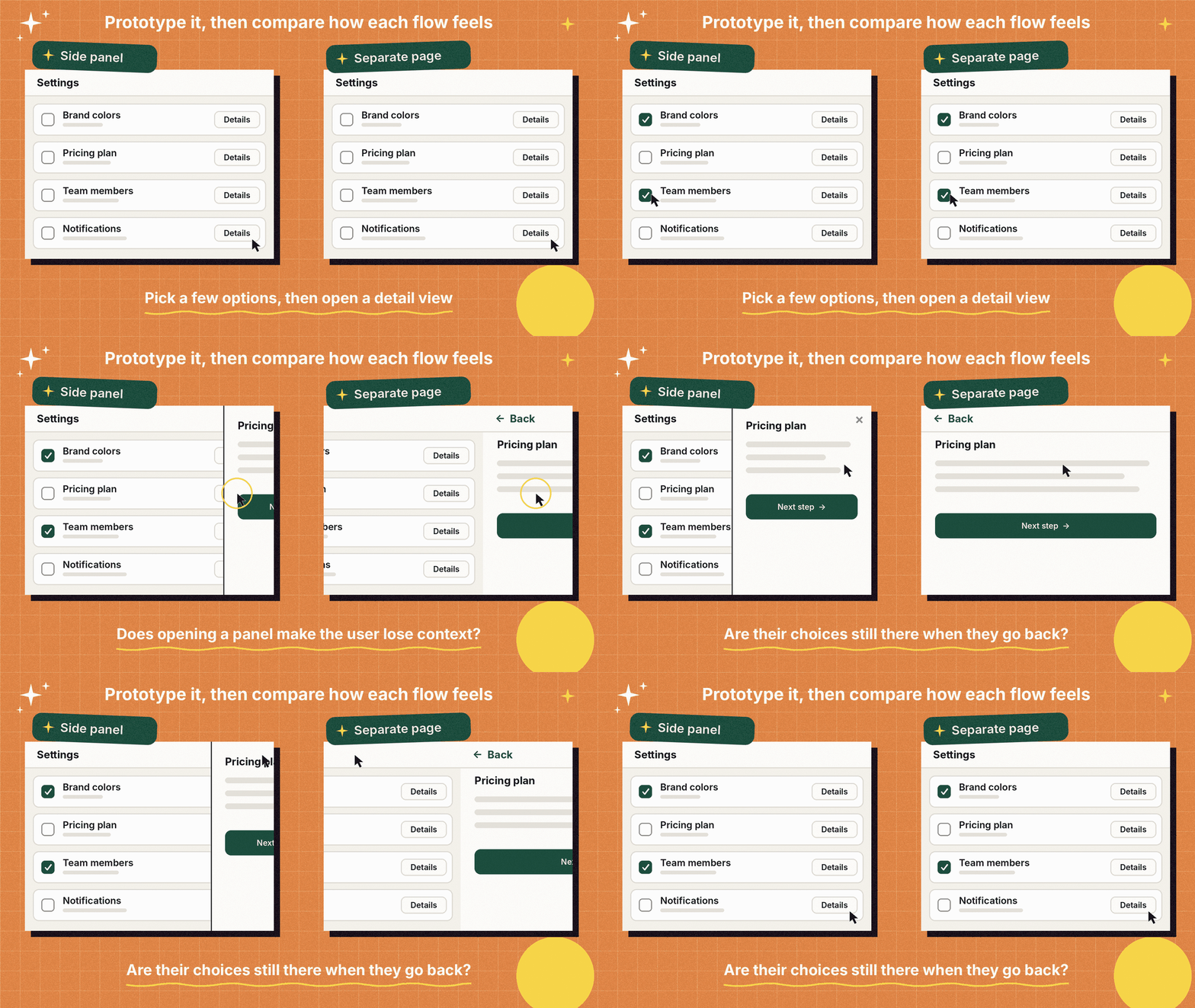
Writing prompts makes design decisions clearer
Explaining a flow to AI requires us to describe its rules.
“Open a panel when the user clicks this button” might be enough to create the initial interaction. But what happens if the user closes it without saving? What stays in place if the action fails? Can they click the button again while the request is running?
Writing a prompt can reveal decisions we have not made yet. Defining the goal, context, constraints, and expected behavior starts to feel like writing a small design brief.
For example, when asking AI to extend a flow, we can specify which components to reuse, which states to cover, and where the user should return after completing the task. That clarity also makes the result easier to review.
Where we leave gaps, AI may fill them with assumptions. A useful prompt should make unresolved questions visible, so they do not disappear inside a screen that looks finished.
Letting AI prepare the first draft of supporting flows
Around every main user journey, there are smaller flows: email verification, password recovery, empty states, error messages, retries, and cancellations.
By providing existing screens, components, and product rules, we can use AI to prepare early versions of these flows. This can be particularly helpful when the work follows patterns already established in the product.
A clear division of responsibilities helps. We need to specify which decisions are fixed and where we want suggestions. The same approach applies across different types of design work:
- Exploring alternatives
AI can generate different approaches within defined constraints. The designer evaluates them against user needs and product goals, then decides which direction to develop. - Producing repeated patterns
AI can apply existing components and patterns to additional screens. The designer checks consistency and handles exceptions specific to the product. - Building interactions
AI can create a working version of a defined behavior. The designer decides its purpose, timing, and feedback. - Looking for missing states
AI can suggest possible errors and edge cases. The designer checks which ones are relevant to the product and its actual system rules. - Organizing research findings
AI can help group and summarize observations provided by the team. The designer checks the summaries against the original notes, interprets the findings, and sets priorities.
A design system provides a practical reference for this work. Clear components, typography, spacing, and tone of voice help guide the output toward the existing experience.
The designer still needs to question the result. Is every step necessary? Is the message useful? Does the interface promise something the product can actually do? Getting to a first draft faster can leave more room for these decisions.
Evaluating animation while it runs
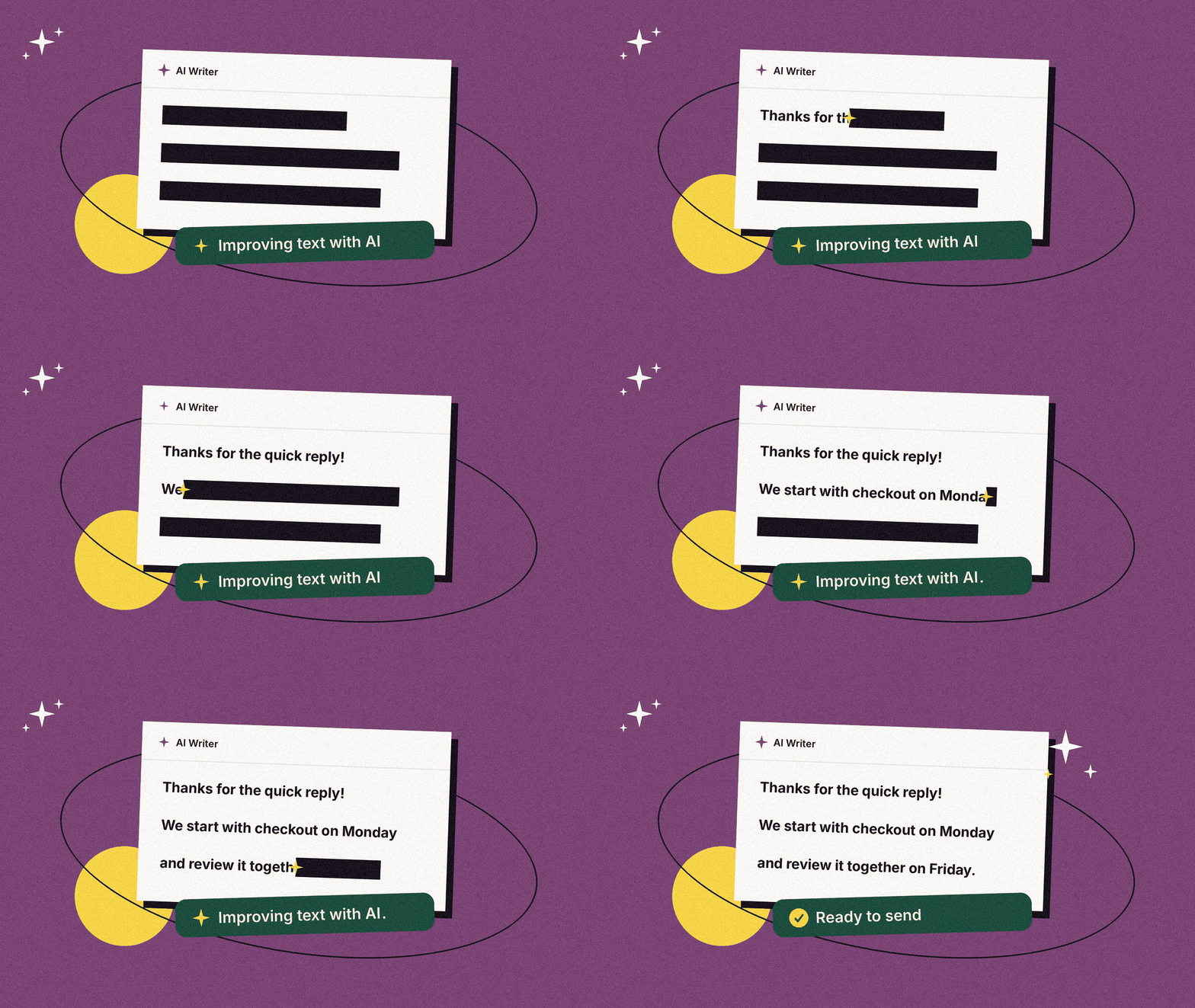
Motion can be difficult to communicate through static screens. Timing, sequence, and rhythm all affect how an interaction feels.
AI-assisted animation experiments let us explore these details earlier. For a task that takes time to complete, for example, we can try different ways to show that work is still in progress.
The purpose of the movement matters. Does it draw attention to a change? Help someone understand the current state? Or add distraction?
Creating an animation quickly gives us more opportunities to adjust its speed, intensity, and relationship with the rest of the interface. Whether it belongs in the final experience depends on what it helps the user understand.
Giving teams a working example to discuss
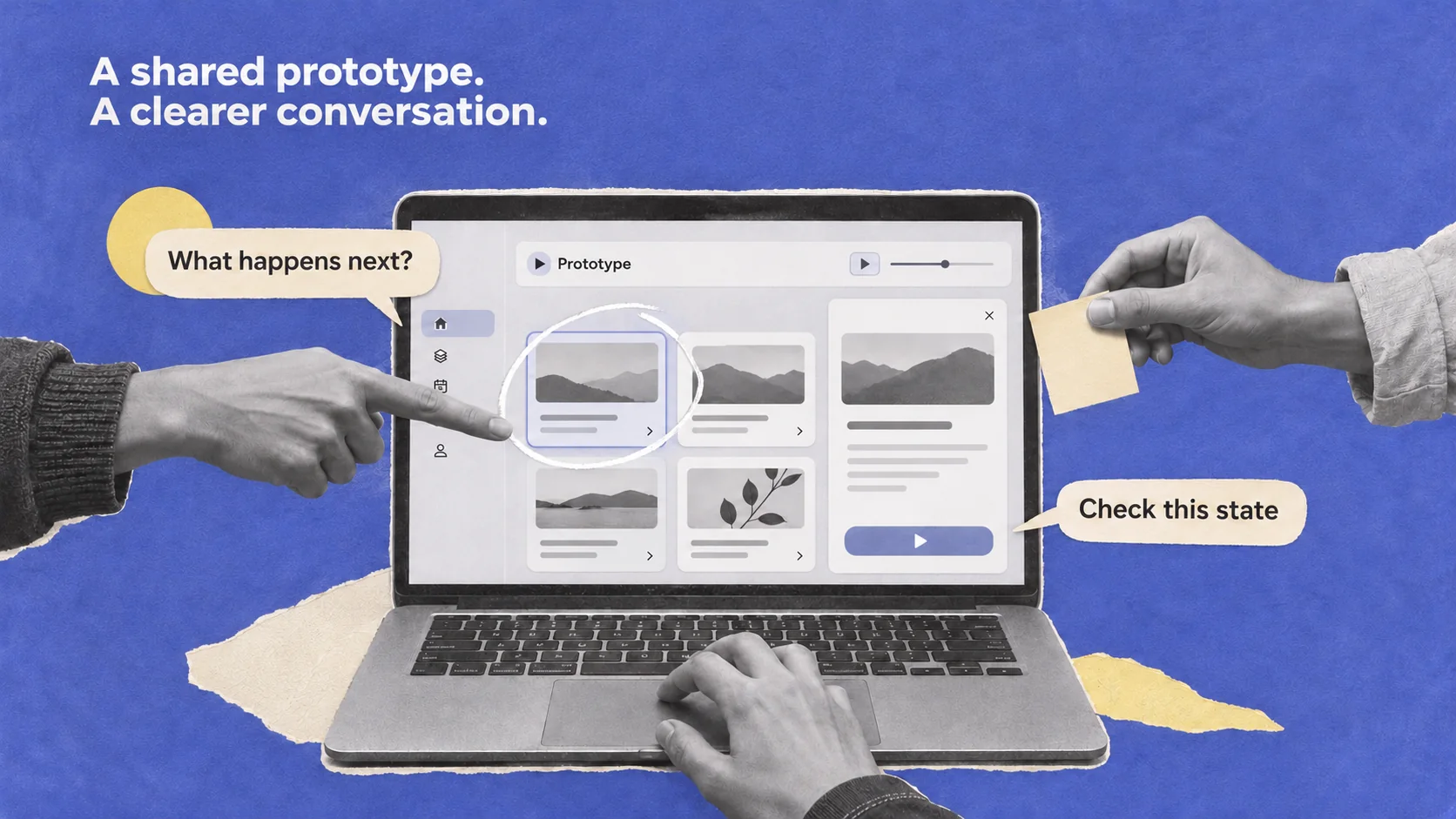
An interactive prototype gives designers, developers, and product teams a shared example to review.
Instead of describing how a panel should open or how a choice affects the next step, we can try the behavior together. Different interpretations, missing states, and unresolved decisions can become easier to spot.
The limits of the prototype should also be clear. A flow that uses sample data or simulates a system response still needs further discussion before implementation. Technical feasibility, accessibility, and performance need their own review.
A working example makes these conversations more specific. It helps the team see both the intended behavior and the questions that remain open.
Taking product ideas beyond the design file
AI-assisted development also gives designers more opportunities to build their own product ideas.
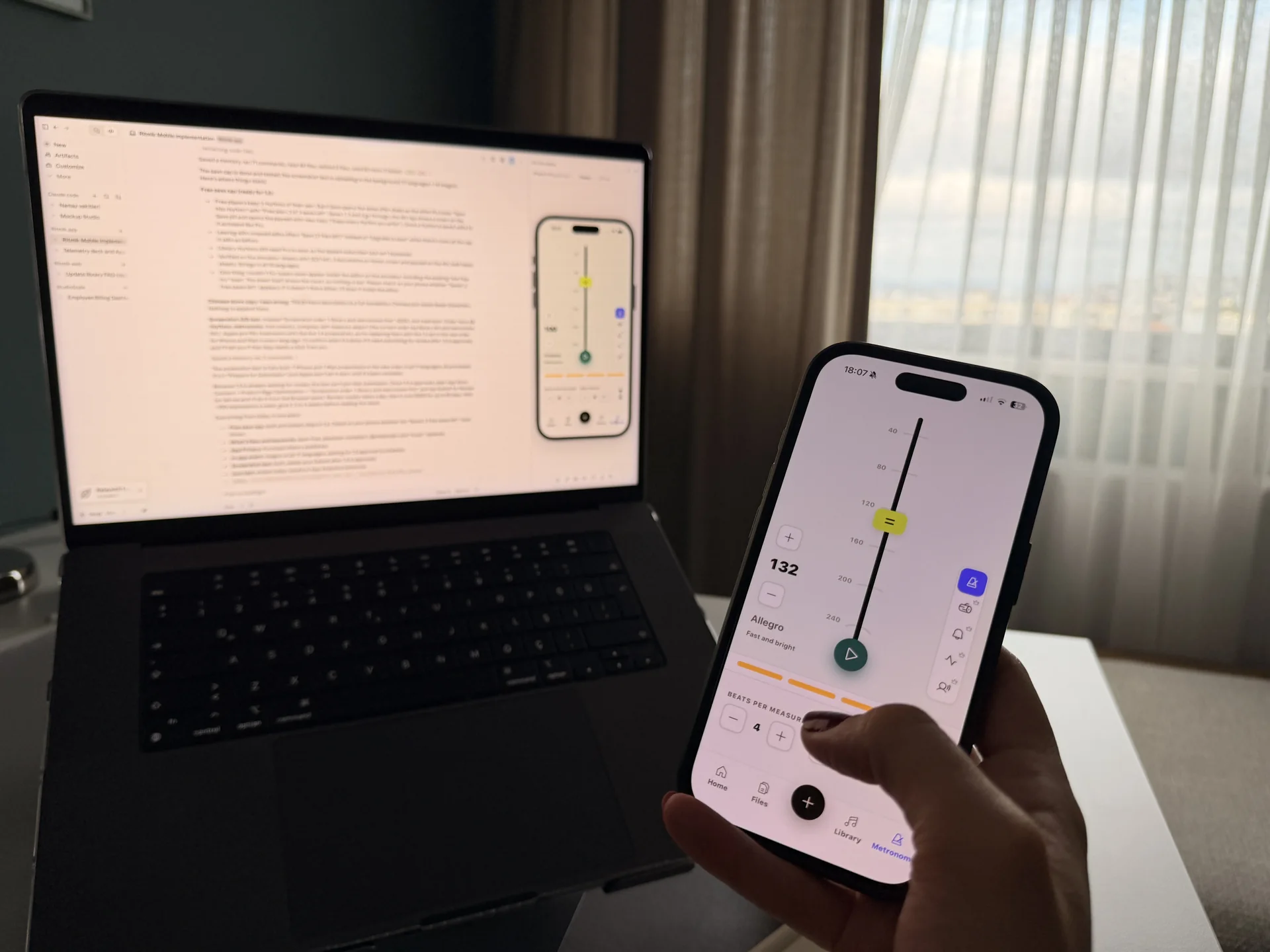
Working on a functioning product expands the questions we ask. In a focus app, for example, we need to think about more than the timer’s appearance. What happens when the page refreshes? Does the timer keep running correctly? What if the app is open in two tabs?
Data storage, state management, and error handling become closely connected to interface decisions. Designers can see how those decisions behave in a working system and move through shorter cycles of building, trying, and refining.
Taking a product live brings further responsibilities, including reliability, security, and maintenance. Building an initial version creates a starting point for understanding those needs and working with the right specialists.
Faster production still needs careful review
AI does not save the same amount of time at every stage. A small revision can change behavior that was already working. A polished screen can still be missing important states.
Checking, comparing, and sometimes rejecting an output are part of the process. We need to examine how the experience behaves across the flow, alongside how it looks.
User validation remains essential. A working prototype does not prove that people will understand it or find it useful. AI suggestions can help us identify questions to investigate. Observing real users helps us evaluate those assumptions.
When prototypes take less time to prepare, we have an opportunity to test earlier and make another iteration based on what we learn.
Where should the saved time go?
AI is expanding what designers can explore and build. Interactive prototypes, animations, and working product experiments are becoming more accessible parts of everyday design practice.
The value of that shift depends on how we use the time we gain. We can compare alternatives, examine missing states, resolve questions with the team, and learn from users earlier.
When we can make an idea work sooner, we can also start finding out sooner whether it is the right solution.